Use these steps if the Synxis files have not imported, or if you need to import files for prior days. The five night audit reports needed in Excel format are:
HotelLedgerCompare
TransactionTotalDetail
Statistics
RevenueRecap
HotelInventory
To complete the Daily Activity Import, there are 2 main steps to be completed.
Part 1 is downloading the files.
Part 2 is importing it into Inn-Flow.
Part 1:
Within Synxis, run the below reports and save these in xlsx format.
HotelLedgerCompare
TransactionTotalDetail
Statisitics
RevenueRecap
HotelInventory
Part 2: Manually import the Daily Activity files into Inn-Flow:
Log into Inn-Flow
Select Accounting > Daily Activity Entry
If a hotel ID isn’t selected from the top left dropdown, select the hotel you’re importing the files for
from the EHID options.
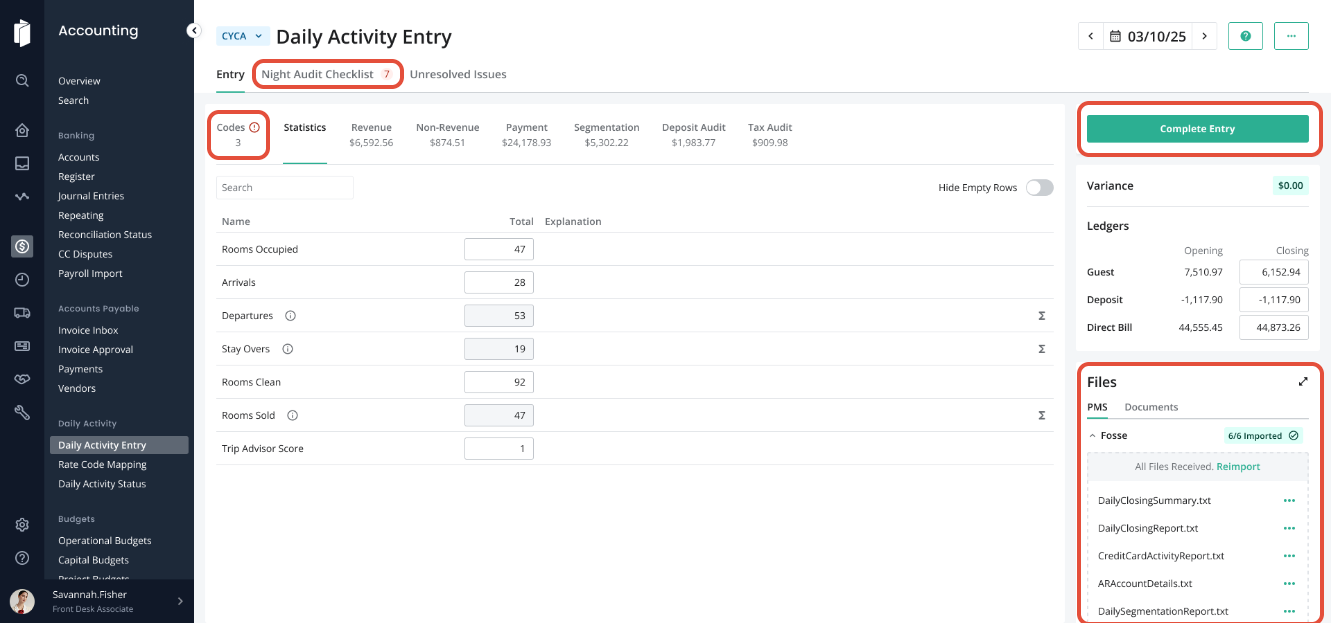
On the right side of the page, locate the Files section of Daily Activity Entry:
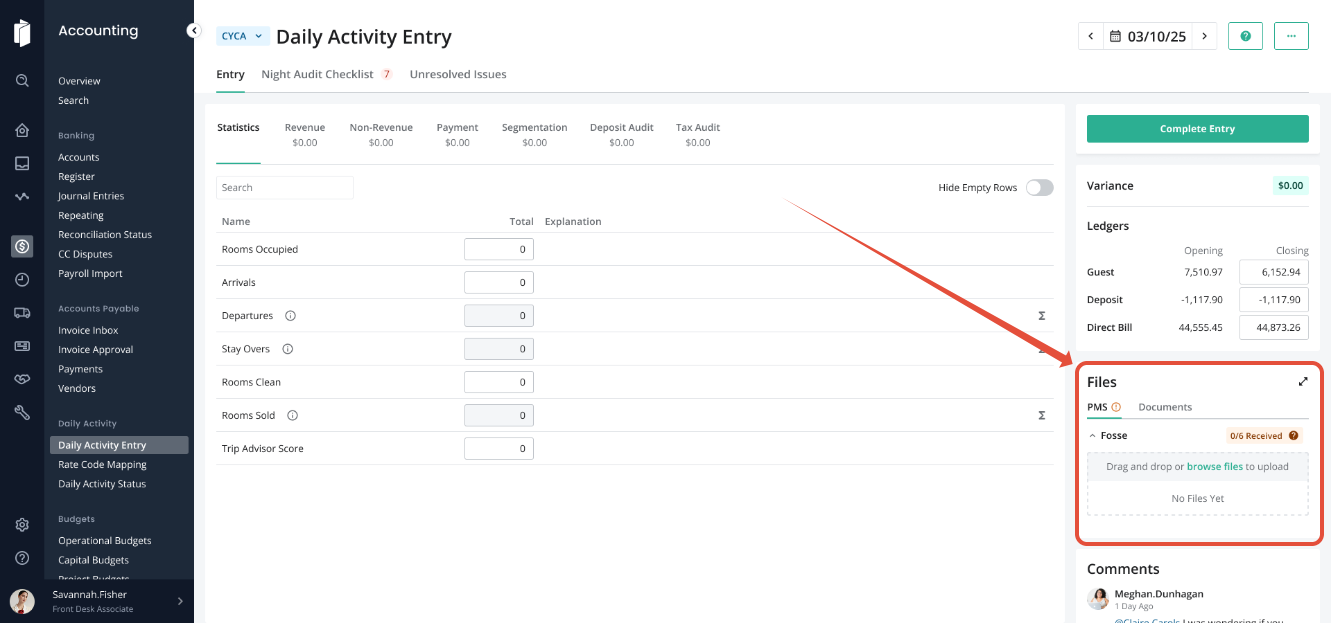
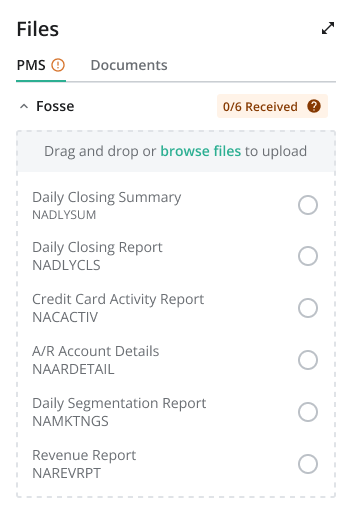
To Upload the files, select browse files, or drag and drop all necessary files into the upload box.
Note: the screenshots in this article reference the FOSSE PMS and the files required for FOSSE. See Part 1 for the files needed for your specific PMS.
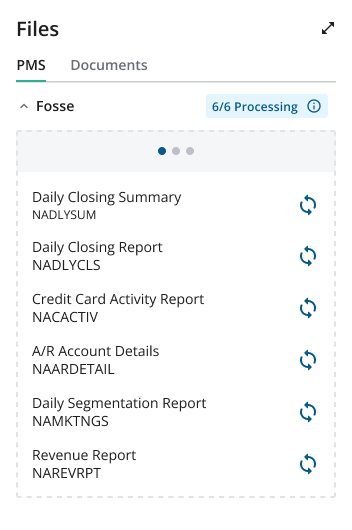
After the files have processed, you will see a success message, showing that all files have imported.
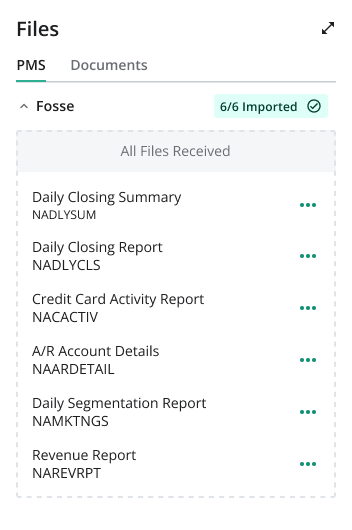
The data will be displayed in each section as expected, and any Codes that need to be mapped will be called out on the "Codes" tab.
We STRONGLY suggest that you upload PDF version of the reports, or additional night audit reports, within the Documents tab of the file area.
Complete the Night Audit Checklist then Complete Entry to move to the following day.
Was this article helpful?
That’s Great!
Thank you for your feedback
Sorry! We couldn't be helpful
Thank you for your feedback
Feedback sent
We appreciate your effort and will try to fix the article